Get started
ALISE can be used in various ways:
The ALISE gives you all the necessary services to power up with a single instance and Start-Up with 1000 free Siles.
You need to have version 21 LTS from Openjdk installed on your computer:
The semantic Server Leto and Aglaia, the API-Manager providing Access via HTTP/S JSON, are preconfigured and packaged for your quick&easy use in the runnable JAR-File:
Additionally, you have to download the resources-package and extract it into a folder named “resources”:
If you want to use your own ontologies, you have add it into the resources-folder and add your ontology into the beans.xml file.
Start Aglaia:
java -jar
aglaia3-2.13.11-jar-with-dependencies.jar
Connect and test in the Web-Browser:
curl http://localhost:8080/api/application.wadl
If everythings works well, you will receive the APi-Descripion in JSON-format and you can interact with the ALISE-Server.
The easies way is to use IRIS at first hand, which can be dowloaded here
To call it programmatically from another service, please leap to the
Parametrization
In the aglaia.properties living in resources folder, you can configure the following properties in order to make Apollon behave according to your intent:
server.port=${PORT:<Port-Number, e.g. 8080>}
api.server.protcol=<Server-Protocal, e.g. http>
api.server.url=<Server-URL, e.g. localhost:11000>
Find more information about the Aglaia-API and the conceptual background of Leto here: https://alise.systems/build-your-solution/
2. Include in your smart JAVA-Project with Maven
ALISE Components can be included into JAVA-Projects by using Maven and requesting them from our repositori at:
https://nexus.alise.systems/#browse/browse:maven-releases:systems%2Falise
For example insert this snippet into your pom.xml to include LETO into your JAVA-Project
<dependency>
<groupId>systems.alise</groupId>
<artifactId>leto</artifactId>
<version>2.13.9</version>
<classifier>jar-with-dependencies</classifier>
</dependency>
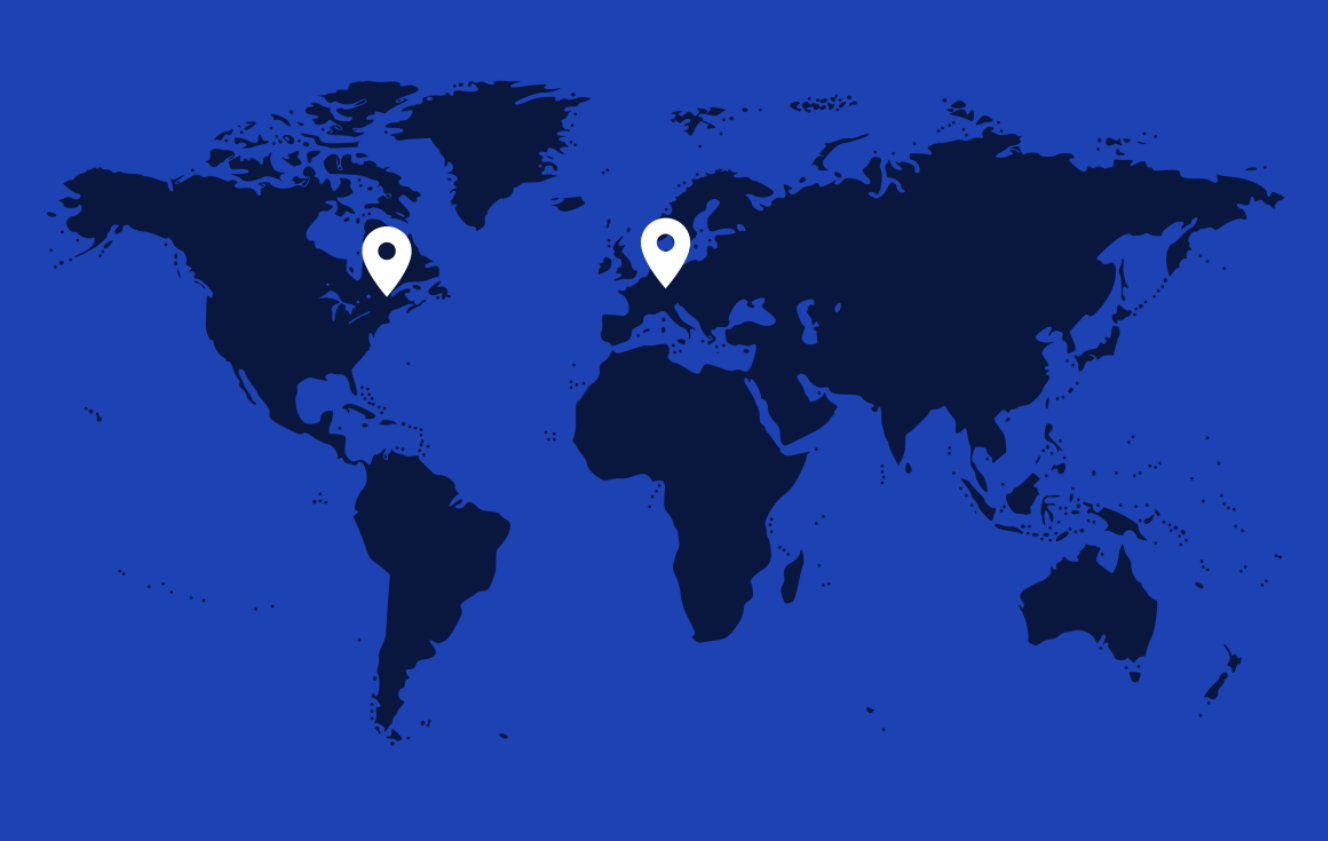
ALISE Europe
Kolschitzkygasse 9-13/6/6
1040 Vienna/Austria/Europe
Tel.: +43 664 3434200
wizard@alise.systems
ALISE Canada
4035 St-Ambroise, suite 212,
Montreal QC,
H4C 2E1, Canada
Tel: +1 514-651-5855
canada@alise.systems